Define the seating plan
Specify chair and delegate roles, seat count and meeting modes with the controller configuration.
Desktop discussion units for wired conference systems, with different microphone forms and display options. Build the seat configuration around the way your users meet.
Discuss Sample Evaluation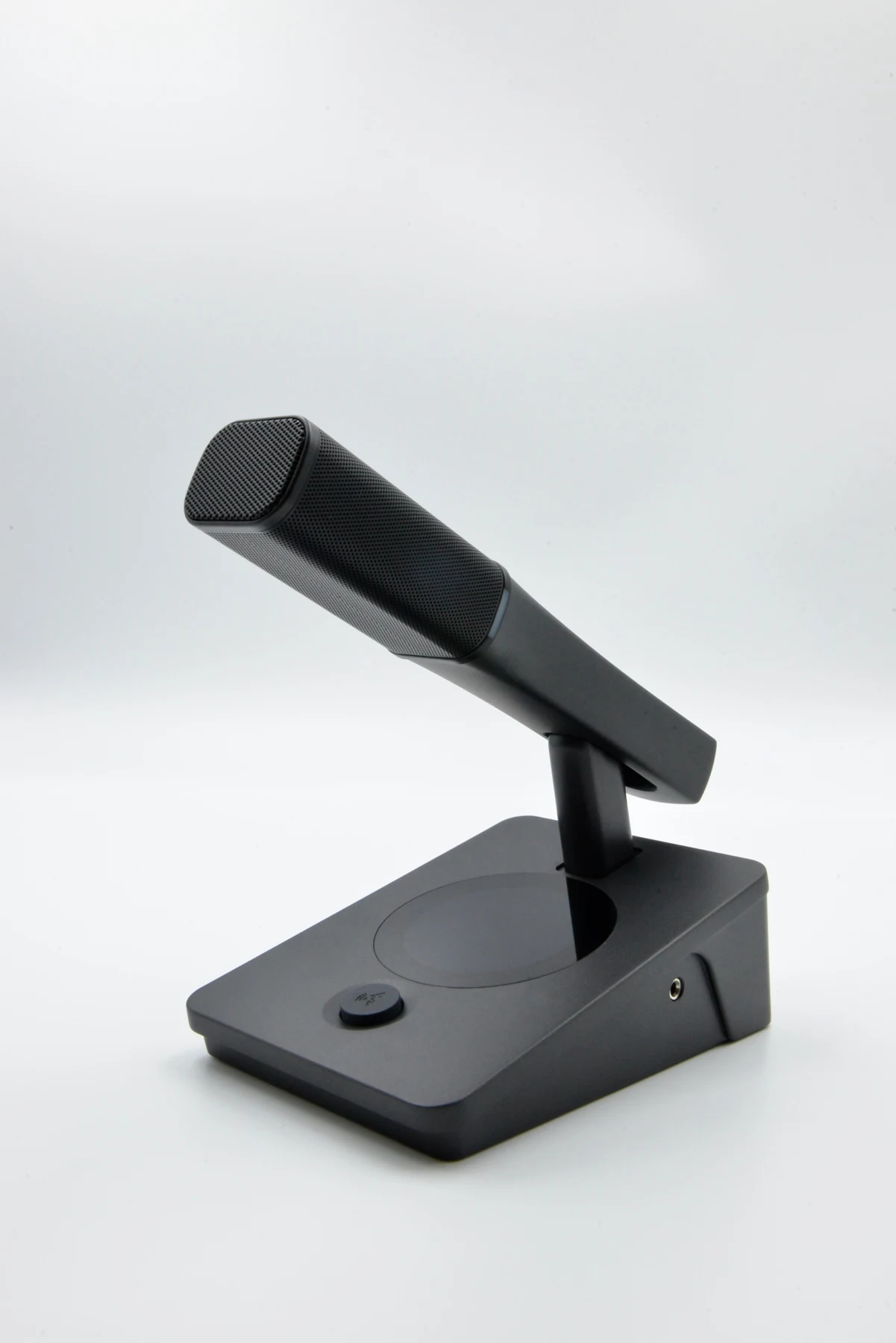
On smaller screens, scroll the table sideways to compare all configurations.
| Microphone form | No display | 2.1-inch round display | 4.3-inch display |
|---|---|---|---|
| Gooseneck | DCS-111C | DCS-311C/D | DCS-211C/D |
| Dual-prong form | DCS-122C/D | DCS-322C/D, DCS-323C/D | DCS-223C/D |
| Short metal stem | DCS-132C/D | DCS-332C/D, DCS-333C/D | DCS-232C/D |
C/D variants require role and configuration confirmation. DCS-111C is the only no-display gooseneck model listed in the reviewed table; no D variant is inferred. A headphone socket alone does not establish a complete interpretation system.
Configuration reference: DCS model configuration table · 2026-09-11; conference PPT · 2026-01-23. Specifications describe the reviewed product documentation; confirm the selected version during evaluation.
Specify chair and delegate roles, seat count and meeting modes with the controller configuration.
Compare microphone form and screen format. Capsule, mechanical details and functions must be checked for the selected model.
Include controller, matching software, cables and installation requirements in the evaluation brief.
Include these details when you contact us:
Seat count, chair/delegate requirements, microphone form, screen preference and intended MDU controller.
Request a Quote / Discuss Samples